CELPIP Writing Checker (AI Practice Feedback)
Paste or write a Task 1 email or Task 2 survey response, add the prompt if you have it, and get sentence-by-sentence AI feedback.
You live in an apartment building. The parcel room has been locked during the evening for the past two weeks, and you have been unable to collect deliveries after work. Write an email to the building manager.
- Describe the problem and when it started.
- Explain how it has affected you.
- Suggest a practical solution and ask when it could be introduced.
0wordsaim for 150–200
Write at least 50 words to get feedback.
Paste your CELPIP email or survey response and the checker returns a level range on the four CELPIP writing dimensions, sentence-by-sentence fixes with a reason for each, a check of every point in the prompt, and two revisions: a minimal edit that keeps your words and a version written at your target level.
What you get
- A level range, never a single number — for example 8–9 — for Content/Coherence, Vocabulary, Readability and Task Fulfillment, each with the sentences it is based on.
- Sentence-by-sentence fixes: what you wrote, a suggested change and why it helps.
- Task coverage: each bullet point (Task 1) or part of the survey task (Task 2) marked covered, partly covered or missing.
- Two revisions you can compare word by word, and one next drill chosen from your most important fix.
- What one more level is worth in Express Entry CRS points, calculated by our CRS rules engine, not by the AI.
How does sentence-by-sentence correction work?
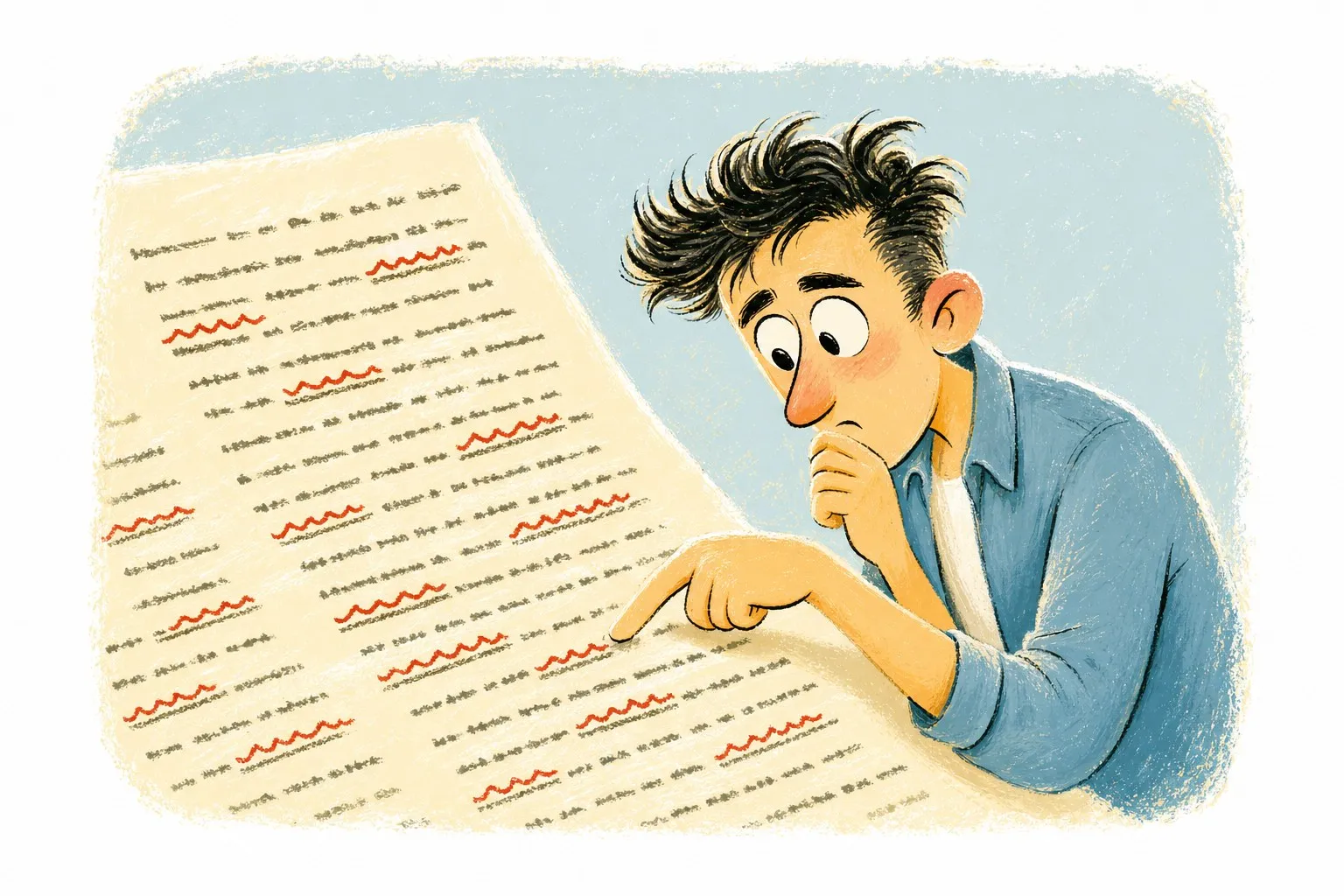
Every suggestion is tied to the exact words in your text. Hover over or tab to a card and the matching words light up in your answer; press J and K to step through them. Underlines show the kind of change at a glance:
- Grammar — wavy underline: tense, agreement, articles, sentence boundaries.
- Vocabulary — dotted underline: a more precise or natural word.
- Coherence — solid underline: linking, order and paragraph jobs.
- Task and tone — double and dashed underlines: a missing point, or a register that doesn’t suit the reader.
Suggestions are marked minor, worth fixing or fix first, so you can start where it counts instead of rewriting everything.
Can it improve my answer without losing my ideas?
Yes. You get two versions. The minimal edit keeps your ideas and most of your words and fixes what holds the level back. The target-level version shows how the same ideas could read at the level you choose — use it to practise, by rewriting it from memory or saying it aloud, rather than to memorise.
Turn on “Show changes” to see every word that was added or removed. A revision you could not have written yourself is a model to study, not a script to learn.
Tone and word count
The word bar marks 150 and 200 words as you type or paste. Tone is checked against the reader in the prompt — a manager, a neighbour, a company or a friend — so add the prompt when you can. Without it, the checker can still judge language and organisation, but not whether every point was answered.
What can’t the AI judge?
- Your official score. The estimate is practice feedback from one answer; CELPIP levels come from the official rating of your whole test.
- Prompts it hasn’t seen. If you paste your own prompt, coverage is only as good as the prompt you give it.
- Every error, every time. It can miss a mistake or flag something that is acceptable. Treat suggestions as a second opinion.
We explain how we calibrate and what we publish on our AI scoring accuracy page.
Questions people ask
Is the CELPIP writing checker free?
Who sees what I paste?
What if I don’t have the original prompt?
Can I use it for IELTS or other writing tests?
Next stations

Unofficial practice and estimates — not affiliated with Paragon or IRCC, and not legal advice. Read the disclaimer